

The best video mockup generators are 3dmockup.co, Mockey AI, Placeit, Canva, Renderforest, VEED IO, and Jittr to create realistic video mockups online.
If you search for video mockup generators, you’ll notice one pattern fast. People are not asking for flashy features; they want speed, realism, and less editing pain.
Most users complain that static mockups feel outdated, Photoshop video workflows are slow, sellers want short videos for ads, reels, and product pages, and most tools are either too complicated or too limited. This blog will cover the best video mockup generators and other important aspects in one practical guide.
Table of Contents
What Users Want From Product Video Mockup Generators?
Most users do not want to deal with After Effects. They want speed, not complexity. The idea is to upload a design, make a few quick choices, and export the video. No long learning curve.
There is also a clear shift in how mockups are used. People don’t just want slides or demos; they want clips that can be used for product launches and ads, too. Static images no longer grab attention. They do not convert like they used to.
This growing demand explains why video mockup generators are getting more traction as 2026 approaches.
7 Best Video Mockup Generators
These product mockup video generators are frequently mentioned when people talk about video mockups or product visuals.
1. 3dmockup.co
3dmockup.co is a 3D mockup generator where you can download different products with your custom design in motion animation. You get more than 8 simple walking and wind animations, with lengths of up to 6 seconds. You will find 3D templates for various products such as apparel, mugs, bottles, cans, boxes, tubes, devices, and more.
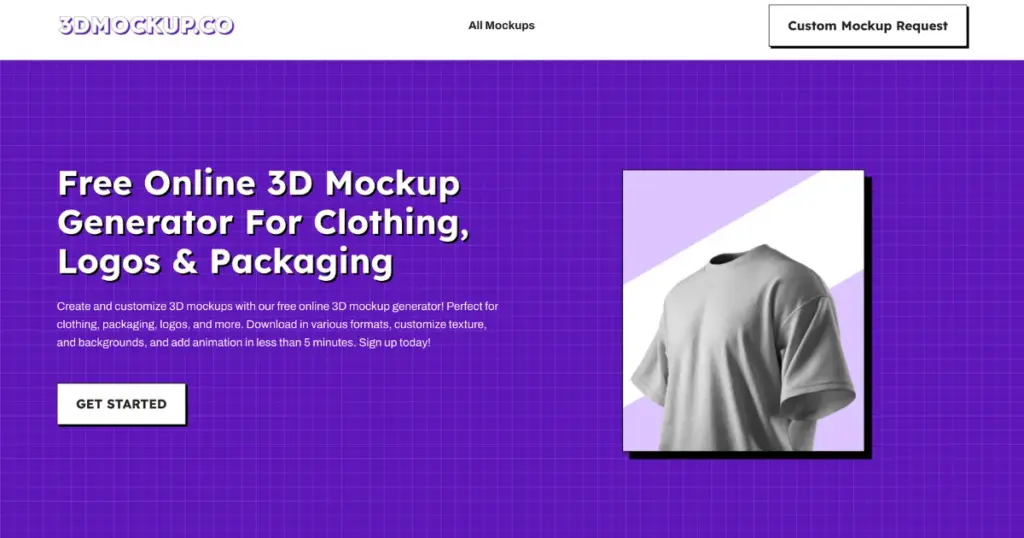
Besides offering a free plan, this 3D mockup tool has a paid plan as well. The paid plan costs $19.99 as a lifetime offer. Despite the constant improvement in output quality, quality does not suffer.
Standout Features
- Ready-made templates
- Upload multiple designs
- Export in MP4 format
- Free plan available
- Wide range of products
Pricing
- Free
- Paid plan: $19.99 (lifetime)
2. Mockey AI
The Mockey AI matches user requests in a product mockup video. It stays focused on product mockups and avoids heavy, complex software. Among all these video mockup generators, it has the best video templates available.
As soon as you visit Mockey AI, go to the Pricing section and purchase the CREATOR or ELITE plan so you can create video mockups. Its video templates are built for sellers, not video editors.
Some users consistently express a wish that they desire the ease of Placeit, but with more control over the final result. That gap is exactly where Mockey AI steps in.
Standout Features
- Ready-made video templates
- Various models
- No heavy software
- Built for sellers, not editors
- Video mockups designed for ads and listings
Pricing
- CREATOR: $19/month
- ELITE: $49/month
3. Placeit
Placeit often comes up in one of the best video mockup generators for quick product videos. People like it because it removes the need for editing skills. You pick a scene, add your design, and the motion is already there. That ease has made it a favorite among Etsy and print-on-demand sellers.
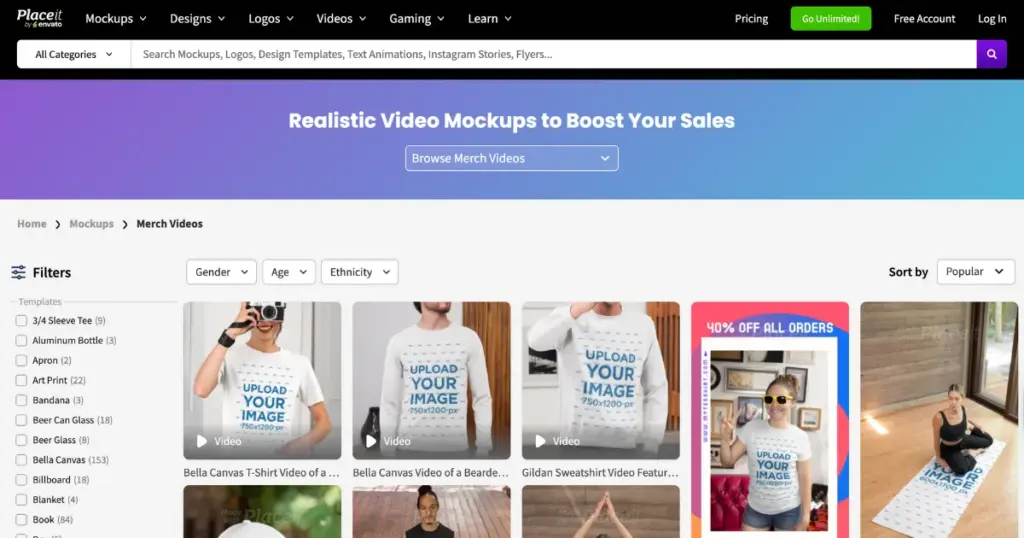
There is one concern that shows up again and again. The control over animations is limited. You work within what the template allows. Even so, many users say it does the job well when the goal is a fast and clean promo video.
Standout Features
- No editing skills needed
- Ready-made scenes with motion
- Popular with Etsy and POD sellers
Pricing
- $23.99/year
4. Canva
Canva shows up in almost every design chat. It is quick to use and easy to learn. Many users like it for simple animated mockups. The results look organized, but not very real. Most feel it works well for beginners. Serious product sellers, however, often find that it falls short of their needs.
Standout Features
- Easy and fast
- Good for basic animated mockups
- Limited realism
Pricing
- Free
- Paid plan starts from $14.99/month
5. Renderforest
Renderforest is a template-based video mockup generator built for speed. There is a free plan, but it comes with a watermark. Paid plans remove the watermark and offer better video quality.
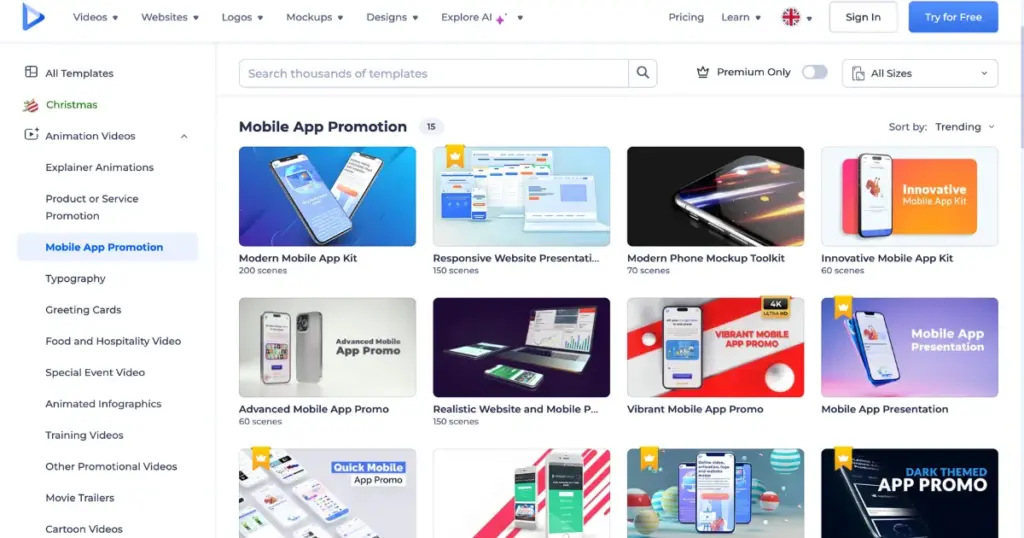
The platform delivers realistic previews for different products like t-shirts and iPhones.
Features
- Ready-made templates
- A free plan
- Motion design that is consistent and recognizable
Pricing
- Free
- Paid plan starts from $9/month
6. VEED IO
VEED IO does the work instantly. You pick a template, add your video, and adjust the look. It works well for product launches, promos, events, and social posts.
You also get a full video editor in the same place. The interface stays easy, even for first-time users. Select a template and begin editing immediately.
To create, upload your video or record one using the built-in webcam tool. Then, pick a mockup design and place your video inside the frame. Once satisfied, export the video and share it anywhere. Your video can appear inside an iPhone, a desktop screen, or other everyday objects.
Standout Features
- Pre-made frames for books, laptops, iPhones, and other devices
- Built-in video editor with simple controls
- Filters, color grading, and background removal included
- Access to royalty-free stock videos and audio
- One-click snap-fit for videos inside mockup frames
Pricing
- Visit website
7. Jittr
Jitter’s templates come packed with advanced animation options. You get smooth screen changes, natural button taps, and realistic scrolling effects. You can also combine multiple templates with ease. Just copy the scenes you need and paste them into your file.
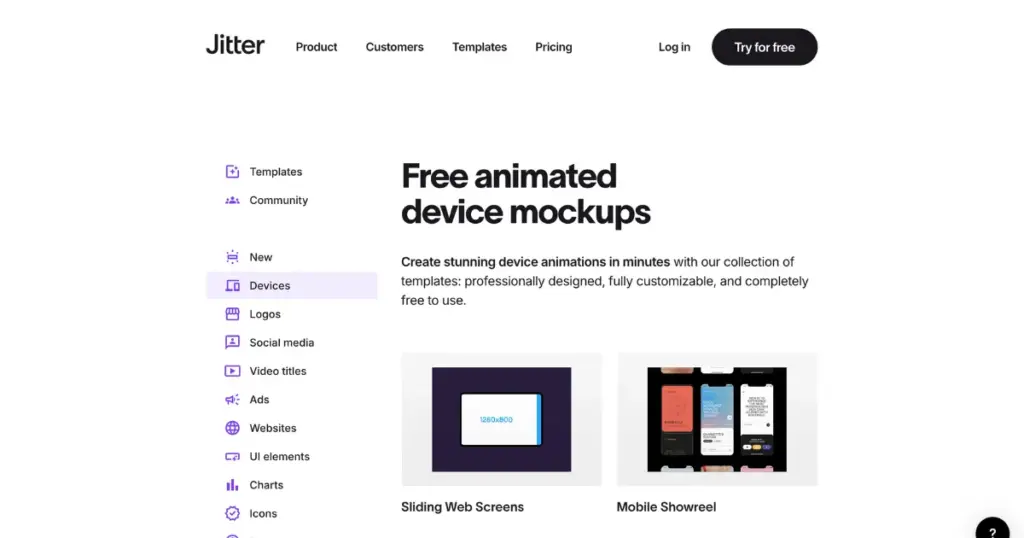
To begin, just tap a mockup to launch it in Jitter. Tap Duplicate to make a copy and begin editing right away.
Standout Features
- Different types of device video templates
- Scrolling effects
- High-quality output
Pricing
- Free
- Paid plan starts from $19/month
Conclusion
Static mockups are not enough. Sellers care about outcomes, not about the software behind them. Short videos pull more clicks and drive more sales. The best video mockup generators in 2026 are not the most powerful ones; they are the ones that remove friction. If you’re a creator, POD seller, or marketer, consider these video mockup generators and give them a try.
FAQs
What is a video mockup generator?
A video mockup generator lets you place your design on a product that turns into a short video. Instead of a static image, you get motion like hand movements, fabric flow, shadows, or screen interactions.
Why Not Use Photoshop for Video Mockups?
Creators are tired of long timelines, juggling multiple layers, and sitting through manual exports in Photoshop. They want a simple flow, upload the design, choose a template, and download the video mockup. Any tool solving this wins in 2026.
Which video mockup generator is best for print-on-demand sellers?
3dmockup.co, Mockey AI and Jittr are excellent for video mockups that focus on product realism and speed work best. After Effects is not necessary for sellers who want to create quick videos for listings, Etsy, and ads.
Are AI video tools the same as video mockup generators?
Not exactly. Video explanations or avatar generators are different types of AI video tools. Video mockup generators are focused on showing a product with your design applied.