
The best 3D mockup tools are 3dmockup.co, Pacdora, Mockey AI, Provisual, Mockuploop, VirtualThreads, and Rotato to use without any hassle.
Flat images don’t always show your product at its best. A 3D mockup generator creates depth and detail in designs so they stand out in a crowd. For eCommerce businesses, the right tool can boost engagement and increase sales. This blog post explores our seven best 3D mockup tools and helps you pick the one.
Table of Contents
The Best 3D Mockup Tools Summary
| Best 3D Mockup Tools | Best for | Pricing |
| 3dmockup.co | Wide variety of products with animations for free | Free |
| Pacdora | 6000+ 3d mockup templates, including dieline templates | Paid plan starts from $18/month |
| Mockey AI | Excellent UI | Free, Paid plan starts from $7/month |
| Provisual | Customization | Free, paid plan starts from $29/month |
| Mockuploop | Output | Free |
| Virtualthreads | Animations | Free, paid plan is $14.20/month |
| Rotato.app | Movie animation | Plan starts from 2659rs |
Now we will discuss these seven excellent 3D mockup tools in detail, along with their key features, drawbacks, and pricing.
1. 3dmockup.co
3dmockup.co is one of the best free 3D mockup tools. It offers all kinds of product mockups, from t-shirts and books to the latest iPhone models. You’ll also find walking, wind, and more than eight different animation styles. It allows multiple design, texture, color, and background customizations, and you can download your mockups in PNG, MP4, or JPG format, all without any paid plan.

You can use the preview feature while customizing or animating your design. The best part is there’s no watermark on any of its 3D mockup outputs.
Key Features
- Completely free (No watermark)
- Walking and wind animation
- Product categories: Apparel, Mugs, Cans, Bottles, Prints, Boxes, Pouches, Tubes, and Devices
- Aspect ratio
- Pre-made backgrounds
- Preview feature
- 8+ different animations
- Free MP4, PNG, JPG formats
Drawbacks
- Ads
Pricing
- Completely free
2. Pacdora
Next on the list is Pacdora, a 3D mockup tool. It doesn’t have a free option, but it makes up for it with a large collection of templates and customization tools. You can choose from about 6,000+ mockups in different styles. The background can also be changed. Pacdora also offers around 12 animation styles to preview before downloading your final mockup.
Key Features
- 6000+ mockup templates
- Dieline templates
- Up to 4K quality render
- Product Categories: Boxes, Bottles, Food packaging, Pouches, Cans, Jars, Tubes, Containers, Apparels, Devices, and Prints.
- Up to 10,000 AI credits
Drawbacks
- No free plan
- The output time will be slow until you buy the business plan, which costs $99 per month.
Pricing
- Lite: $18/month
- Pro: $29/month
- Business: $99/month
3. Mockey AI
Mockey AI is a very popular mockup generator, whether it’s for 2D, 3D, or video mockups. When it comes to 3D mockups, it offers plenty of ready-to-use templates.
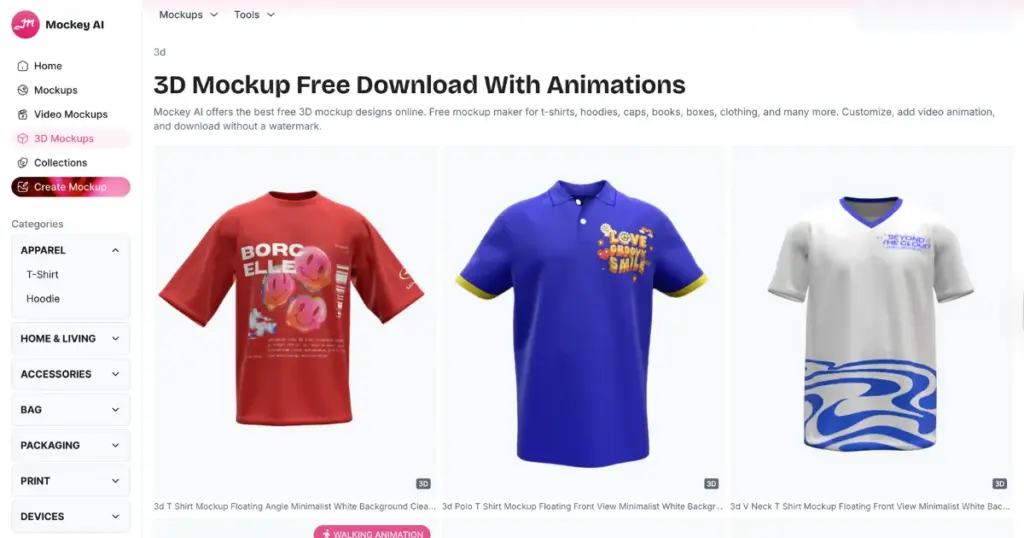
You can customize multiple design elements like colors, textures, and backgrounds. You can either use a pre-made background or upload your own custom one. Also, preview and download mockups with different animation styles. However, to access animations and high-quality image formats, you’ll need a paid plan that costs $7 per month.
Key Features
- 10+ various animations, including walking animation
- Product Categories: Apparel, Home & Living, Accessories, Bags, Packaging, Prints, and Devices
- A free plan
- Preview feature
- Aspect ratio
- Ready-made backgrounds
- Texture customization
- Affordable paid plans
Drawbacks
- The free plan offers limited features
Pricing
- Free
- STARTER: $7/month
4. Provisual
ProVisual.app is the best 3D mockup tool for designing realistic visuals. This generator is simple to use. It offers a huge library of ready-to-use templates that get regular updates. Users can also team up on projects, share their designs with clients, and receive instant feedback.
ProVisual lets you tweak lighting and camera angles with HDRI settings. As it’s web-based, you can open it from anywhere.
To use Provisual.app, sign up to get started. Once you’re in, head back to the homepage and open the 3D Mockups section to choose a product. Click on Create Project to begin. You’ll find Scene Elements on the left and Design Layers on the right. Click Add Design and place it where you want, and pick a background. Lastly, click Save.
Key Features
- Project folders
- HDRI
- Pre-made templates
- Search option
- Download in PSD template
- Excellent customization options
- Product Categories: Bottles, Sunglasses, Apparel, Posters, Cards, Books, boxes, and more
Drawbacks
- Products are not categorized
Pricing
- Free
- Paid plan starts from $29/month
5. Mockuploop
Mockuploop is a new mockup generator that also offers 3D mockups. For now, it provides a limited number of templates, but it’s completely free.
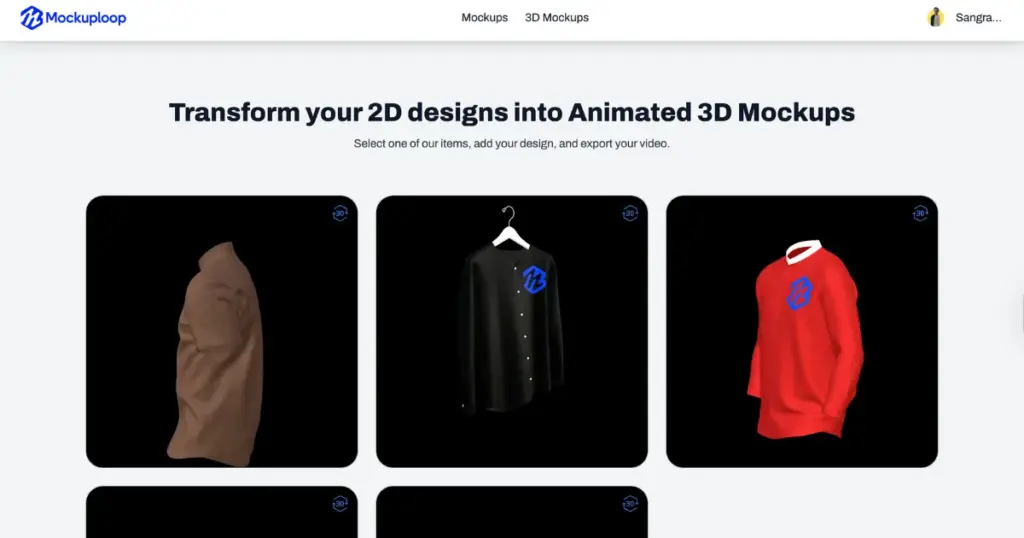
Uploading designs, customizing garment texture, color, and background, and exporting mockups as images or videos is very easy. There are no pop-up ads, and all 3D mockups are generated without any watermark.
Key Features
- Completely free
- AI templates
- Free 3D mockups
- Product Categories: T-shirts, Hoodies, iPhones (More products are coming soon).
- Drag and drop
Drawbacks
- Limited product options
Pricing
- Free
6. Virtualthreads
Want to create realistic 3D mockups without installing heavy software or waiting for hours? Do check out Virtualthreads. It’s one of the best 3D mockup tools that offers real-time previews and quick exports, all from your browser.
You can start with T-shirts, hoodies, and sweatshirts, with more options on the way. To use it, visit Virtual Threads and just hit Create to begin. Upload your design and see how it looks on a template. Tap the arrow to explore more upload options. Move your design to the 3D mockup, and adjust it with the box around it. Use the pen tool to draw or add text. Pick your favorite garment color and tweak the background, also. Even free users can download and use their images for commercial projects.
Key Features
- Animation
- Export in video format
- Custom background
- Product Categories: T-shirts, Hoodies, Caps, Sweatshirts, and Sweatpants. (More products are coming soon.)
Drawbacks
- Limited product options
- Some advanced tools are available in the Pro plan.
Pricing
- Free
- Paid plan is $14.20/month
7. Rotato.app
Rotato.app helps you create and animate 3D mockups. The tool lets you build realistic 3D models of devices from any angle. You can also add smooth animations to show UI effects.
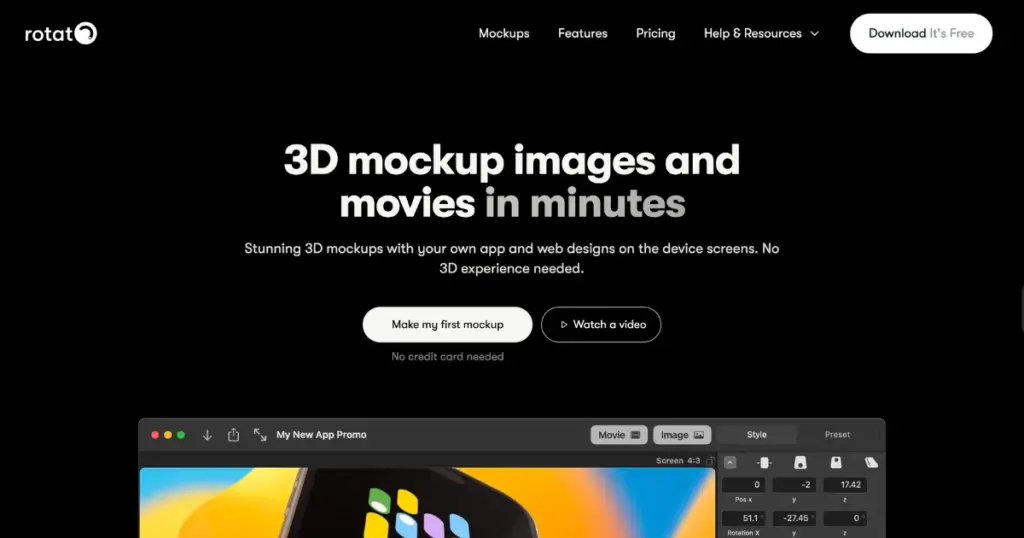
You can export visuals in high resolution, even up to 4K. It works well with Figma. Using Rotato.app is easy. Visit rotato.app — it’s currently available only for Mac users. You can try the free version, though it comes with a small Rotato watermark. Once inside, open the app, pick a preset, and start customizing.
You can change the background, tweak the device color, or switch to a clay style. Drag and drop your design onto the mockup after exporting it from Figma or a different program. Rotato also lets you add animated prototypes. When you’re done, save your work as a video or an image.
Key Features
- Offline option
- 100 video templates
- Animations
- Output is better than the other best 3D mockup tools
- Product Categories: Phones, Laptops, and Desktops.
Drawbacks
- Only for Mac users
- Only device mockups
Pricing
- Basic: 2659rs (One-time payment)
- Standard: 3319rs (One-time payment)
- Premium: 17997rs (One-time payment)
3D Mockup Tools Selection Criteria
All of them had to meet certain typical scenarios to be added to this list:
- A genuine free plan
- Animation
- Preview feature
- High-quality templates
Conclusion
Here are seven of the best 3D mockup tools that truly deliver. Mockups with animations highlight your designs will be eye-catching. With new and improved 3D mockup tools online, the process has become much simpler.
If you ask us, there’s no better 3D mockup tool than 3dmockup.co. Whether you create 3D T-shirt mockups or 3D book mockups, you’ll always get top-quality results.
FAQs
What are some of the best sites to get free 3D models for mockups?
You can find great free 3D models on 3dmockup.co, Virtualthreads, and Rotato.app. These sites offer a mix of 3D templates you can create and customize without using Photoshop or other design tools.
Is Pacdora a good option?
Yes. Pacdora is praised for its customizable 3D packaging templates and easy scene building. It doesn’t require deep 3D knowledge, though its rendering options are somewhat limited (e.g., no shadows on transparent backgrounds). It’s better to consider Pacdora alternatives.
Do I always need 3D software for mockups?
Not necessarily. If your product already exists, you can simply photograph it and use Photoshop or Illustrator to digitally overlay your design, adjusting shadows and highlights for realism.